



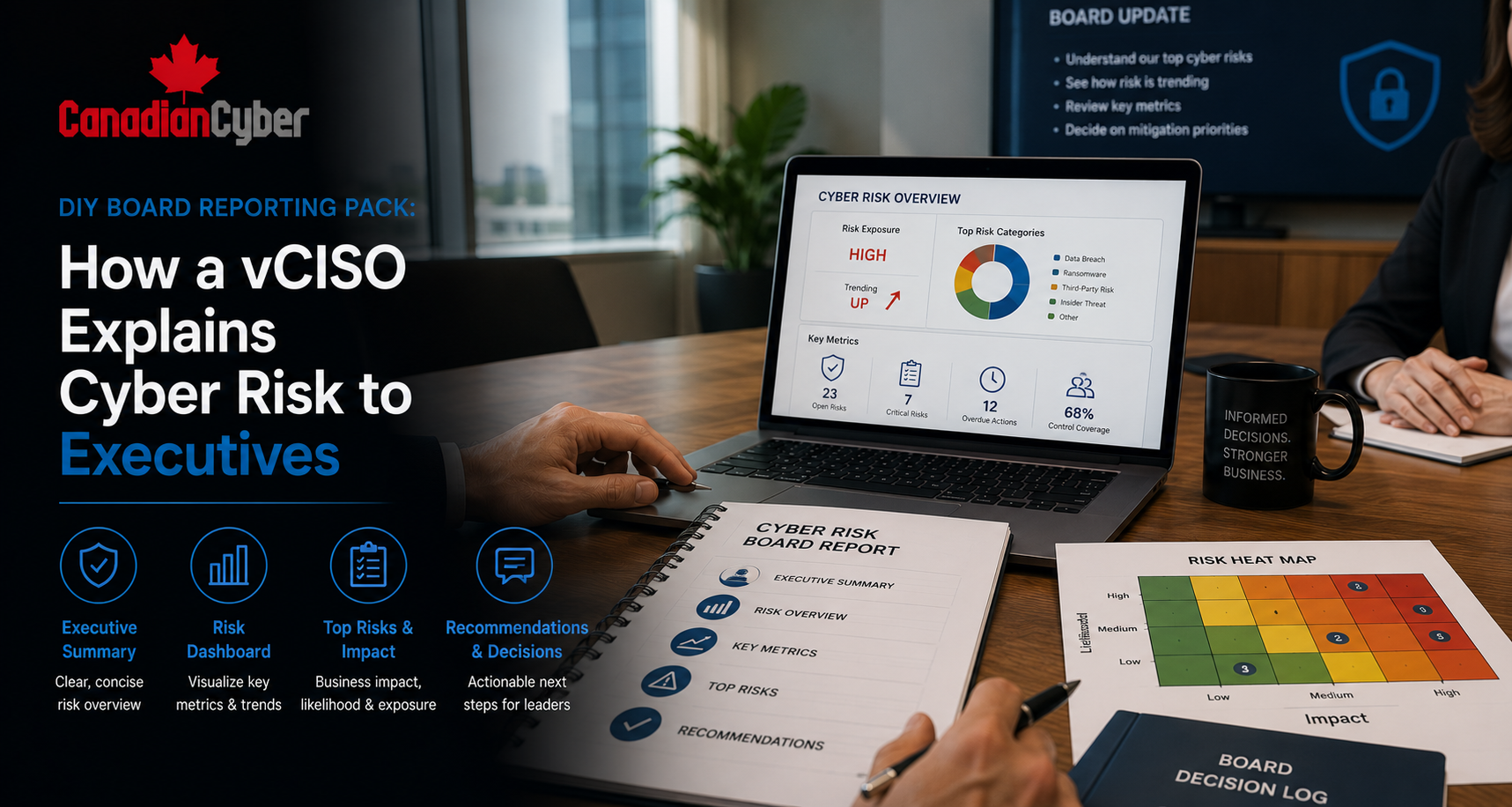
vCISO • Board Reporting • Cyber Risk • Executive Dashboards • Security Governance
DIY Board Reporting Pack: How a vCISO Explains Cyber Risk to Executives
A good board report does not drown leaders in technical detail. It explains cyber risk in business terms and shows what decisions are needed.
Quick Snapshot
| Board Reporting Area | What Executives Need to See |
|---|---|
| Risk Position | Top cyber risks, business impact, and whether exposure is rising or falling. |
| Control Health | What is working, what is weak, and where investment is needed. |
| Incident Readiness | Whether the company can detect, respond, recover, and communicate. |
| Compliance Status | ISO 27001, SOC 2, cyber insurance, audit, customer, and regulatory readiness. |
| Decisions Needed | Funding, risk acceptance, vendor decisions, priorities, and accountability. |
Introduction
Executives do not need more cyber noise.
They need clarity.
Many cyber reports fail because they are too technical. They show alerts, scans, phishing clicks, firewall events, and long task lists.
That may help the security team.
It does not always help the board.
A board wants to know:
- Are we exposed?
- What changed this quarter?
- Which risks could affect revenue, clients, or operations?
- Are we meeting our obligations?
- Where should we invest?
- What decisions do leaders need to make?
This is where a vCISO adds value. A vCISO turns cyber activity into business risk reporting.
Why Cyber Board Reporting Often Fails
Cybersecurity teams usually have plenty of data.
That is not the problem.
The problem is that the data is often not shaped for executive decisions.
A board report should not be a tool dump. It should help leaders understand risk, direction, accountability, and decisions.
| Reporting Problem | What Executives Hear |
|---|---|
| Too many technical metrics | “I do not know what this means for the business.” |
| No trend line | “Are we improving or getting worse?” |
| No risk ranking | “What should we worry about first?” |
| No decision request | “Why are you showing us this?” |
| No business impact | “How does this affect clients, revenue, operations, or compliance?” |
A vCISO does not only report what happened. A vCISO explains what it means.
The vCISO Difference
A vCISO translates technical facts into business language.
This helps executives govern cybersecurity without becoming security analysts.
| Technical View | Board-Level View |
|---|---|
| 38 critical vulnerabilities. | Critical exposure exists on two internet-facing systems that support customer access. |
| MFA coverage is 89%. | Some high-risk users remain exposed to account takeover. |
| Backup test failed. | Recovery capability for one critical system is not yet proven. |
| Vendor SOC report missing. | Third-party risk is not fully assessed for a critical supplier. |
What a Good Cyber Board Report Should Answer
A strong board report answers five questions.
1. What are our top risks?
Show the short list of risks that matter most to the business.
2. Are we improving?
Show trends, not only snapshots.
3. Are we incident-ready?
Show response, recovery, and communication readiness.
4. Are we compliant?
Show ISO, SOC 2, privacy, insurance, and customer review status.
5. What decisions are needed?
Ask for funding, approval, risk acceptance, or priority changes.
The DIY Board Reporting Pack Structure
Keep the board pack short.
Use plain language. Focus on risk. Show trends. Ask for decisions clearly.
| Section | Purpose |
|---|---|
| Executive Summary | Gives the board the most important message in one page. |
| Cyber Risk Heatmap | Shows top risks by likelihood and impact. |
| Top 5 Risks | Focuses leadership on the highest-priority risks. |
| Control Health Dashboard | Shows whether key controls are operating. |
| Incident Readiness | Explains response, recovery, and tabletop status. |
| Compliance Status | Tracks ISO, SOC 2, insurance, customer, and audit readiness. |
| Next 90-Day Plan | Shows what the team will do next. |
Practical rule: If a slide does not help the board understand risk or make a decision, remove it.
Section 1: Executive Summary
The executive summary is the most important page.
It should tell leadership what changed, what matters, and what needs attention.
| Area | Example |
| Overall Cyber Risk Position | Moderate and improving. |
| Main Change This Quarter | MFA coverage improved, but vendor reviews remain behind schedule. |
| Top Risk | Third-party risk for critical cloud and payroll vendors. |
| Key Concern | Incident response tabletop is overdue. |
| Decision Needed | Approve funding for an external penetration test and vendor risk support. |
Section 2: Top Cyber Risks and Control Health
The board needs a short risk view.
This is not the full risk register. It is the executive version.
| Risk | Business Impact | Current Treatment | Decision Needed |
|---|---|---|---|
| Third-party vendor breach | Customer data exposure and trust damage. | Critical vendor reviews in progress. | Approve vendor review priority. |
| Ransomware disruption | Service outage and recovery cost. | Backups and endpoint controls improving. | Approve restore testing cadence. |
| Privileged account compromise | Unauthorized access to systems and data. | MFA and access reviews completed. | Accept remaining temporary exceptions. |
| Incident response delay | Slower containment and communication. | Tabletop scheduled. | Confirm executive participants. |
Control Health Dashboard Example
| Control Area | Status | Trend | Comment |
|---|---|---|---|
| MFA and Conditional Access | Green | Improving | MFA enforced for all users. Exceptions reduced. |
| Vendor Risk Management | Amber | Stable | Critical vendor reviews still incomplete. |
| Incident Response | Amber | Worsening | Tabletop delayed. |
| Security Awareness | Green | Stable | Training completed by 96% of staff. |
Section 3: Metrics Executives Actually Understand
Metrics should support decisions.
Not every security metric belongs in a board report.
Use fewer metrics, but make them meaningful.
| Metric | Why It Matters |
|---|---|
| MFA coverage on critical systems | Shows account takeover protection. |
| Privileged access exceptions | Shows admin access risk. |
| Critical vulnerabilities past SLA | Shows exposure and remediation discipline. |
| Critical vendors reviewed | Shows third-party risk maturity. |
| Open high-risk audit findings | Shows governance and follow-through. |
Every metric should answer one question: “So what?” If the answer is unclear, leave it out.
Section 4: Incident Readiness Summary
Executives need to know whether the organization can handle a cyber incident.
This section should not create panic. It should show readiness.
| Readiness Area | Status | Comment |
|---|---|---|
| Incident response plan | Green | Approved and current. |
| Executive escalation | Amber | Needs tabletop validation. |
| Backup restore testing | Amber | One critical restore test pending. |
| Tabletop exercise | Red | Not completed this year. |
The risk is not always lack of a plan. The risk is that leadership decision-making has not been tested under pressure.
Section 5: Compliance and Audit Readiness
Many boards care about cyber risk because customers, regulators, insurers, and auditors care.
This section should show whether the organization is meeting its obligations.
| Requirement | Status | Current Focus |
|---|---|---|
| ISO 27001 | In progress | Internal audit and management review prep. |
| SOC 2 | Planned | Control evidence design. |
| Cyber Insurance | Active | Renewal questionnaire evidence. |
| Customer Security Reviews | Increasing | Faster response pack needed. |
Need a Board-Ready Compliance Dashboard?
Canadian Cyber helps teams build simple dashboards for ISO 27001, SOC 2, cyber insurance, customer security reviews, and vendor risk reporting.
Section 6: Decisions, Budget, and Risk Acceptance
A board report should be decision-ready.
Do not ask for tools without explaining the business reason.
Tie every request to risk, compliance, resilience, or customer trust.
| Request | Risk Addressed | Decision Needed |
|---|---|---|
| External penetration test | Unknown application weaknesses. | Approve budget. |
| Vendor risk support | Critical vendors not reviewed. | Approve support. |
| Tabletop exercise | Untested incident response. | Approve leadership time. |
| Access review automation | Manual access review burden. | Approve workflow build. |
Red flag: “Accepted” with no explanation. That is not governance. That is avoidance.
Section 7: The Next 90-Day Plan
Executives need to know what happens next.
The plan should be short and realistic.
| Priority | Action | Owner | Expected Outcome |
|---|---|---|---|
| 1 | Complete critical vendor reviews. | Operations / vCISO | Third-party risk evidence updated. |
| 2 | Run incident response tabletop. | vCISO / Leadership | Executive readiness tested. |
| 3 | Complete restore test for critical system. | IT / DevOps | Recovery evidence improved. |
| 4 | Close privileged access exceptions. | IT / Security | Reduced account takeover risk. |
DIY Board Reporting Pack Checklist
Use this checklist to build your first cyber board reporting pack.
| Question | Yes / No |
|---|---|
| Is there a one-page executive summary? | |
| Are the top cyber risks written in business language? | |
| Does the report show trends, not only snapshots? | |
| Are metrics linked to risk or decisions? | |
| Is incident readiness covered? | |
| Are decisions needed from leadership clearly listed? | |
| Is technical language explained or removed? |
Common Mistakes to Avoid
- Mistake 1: Reporting tool activity instead of business risk. Do not lead with alerts, scans, or ticket counts. Lead with risk.
- Mistake 2: Showing too many metrics. More metrics do not always create more clarity. Use fewer, better metrics.
- Mistake 3: Hiding bad news. Executives need to know where risk is increasing.
- Mistake 4: No decision request. If leadership needs to approve funding, accept risk, or change priorities, say so clearly.
- Mistake 5: No trend view. Boards need to know whether cyber risk is improving, stable, or worsening.
- Mistake 6: Using technical language without translation. Explain terms in business language.
- Mistake 7: Not connecting cyber to customer trust. Cyber risk affects sales, renewals, insurance, audits, and client confidence.
What Good Looks Like
A strong vCISO board reporting pack is:
- short
- clear
- risk-based
- business-focused
- trend-aware
- decision-ready
- evidence-backed
- honest about gaps
- focused on the next 90 days
A good board report helps executives understand cyber risk without becoming security analysts.
Canadian Cyber’s Take
At Canadian Cyber, we often see leadership teams receive cyber reports that are technically detailed but strategically unclear.
The report shows activity. But it does not show risk.
It shows tools. But it does not show decisions.
It shows tasks. But it does not show whether the company is safer.
A good vCISO board reporting pack changes that. It explains what matters, what changed, what needs attention, and what leadership needs to decide.
The strongest reports do not scare executives. They inform them.
Takeaway
Cyber board reporting should not be a technical download.
It should be a decision tool.
Start with a simple pack:
- one-page summary
- top cyber risks
- control health
- incident readiness
- compliance status
- clear metrics
- decisions needed
- next 90-day plan
That is how cyber reporting becomes useful. Not noisy. Useful.
How Canadian Cyber Can Help
Canadian Cyber helps organizations build practical vCISO board reporting packs that executives can actually use.
- vCISO board reporting packs
- executive cyber risk dashboards
- top cyber risk summaries
- risk register translation
- control health reporting
- ISO 27001 and SOC 2 board updates
- incident readiness reporting
- vendor risk reporting
- cyber insurance readiness updates
- security KPI and KRI design
- quarterly cyber reporting cadence
- vCISO support for security governance
Stay Connected With Canadian Cyber
Follow Canadian Cyber for practical guidance on vCISO services, cyber risk reporting, ISO 27001, SOC 2, board dashboards, and security governance.










